Monday, January 21, 2013

Snowing on Hemenway Ave, Boston (Digital Woodcut)

Tonight's adventure was a drive into Boston for dinner with a friend who is in town for a few days. It started to snow and I had forgotten how beautiful Boston can look when it snows. I was in the back seat for most of the evening, so I took out my iPhone and tried to get some pictures. This image began with one of those photos, taken at the corner of Hemenway Ave and Westland (in the Back Bay). It was snowing, and starting to stick. Later, when I was back home, I used iPhoto to do basic editing (straighten, crop, adjust contrast) and then used Painter 12 to apply the woodcut effect.

Sunday, January 20, 2013

Fabric Flowers and Vase (Day 7)
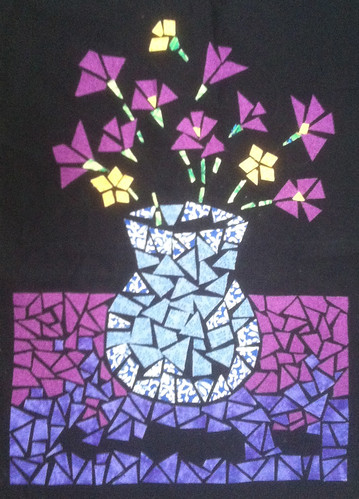
Today I kept going on this project, a still-life made out of appliquéd fabric (attached with iron-on adhesive). I continued to add to the purple area at the bottom of the image, and worked in a few pieces of the dark pink as well. I also added a few pieces of cloth to the vase. I realized that I am going to have a bit of a challenge when it comes to adding the stems, but I will cross that bridge when I fall through it.

Saturday, January 19, 2013

January Tree Tops (Digital Woodcut)
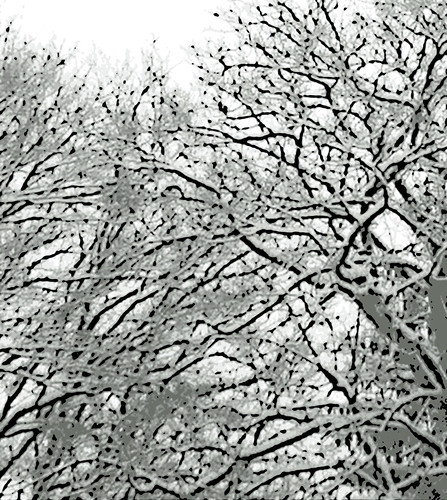
Yesterday's post was a photo of snow-covered tree tops, taken on January 16, 2013, one of the few really snowy days we have had so far. Tonight I made this "digital woodcut" from the same photo by applying Painter 12's woodcut effect. To make this work, I lighted the image and then fiddled with the woodcut controls to get the black line where I wanted it to be.

Friday, January 18, 2013

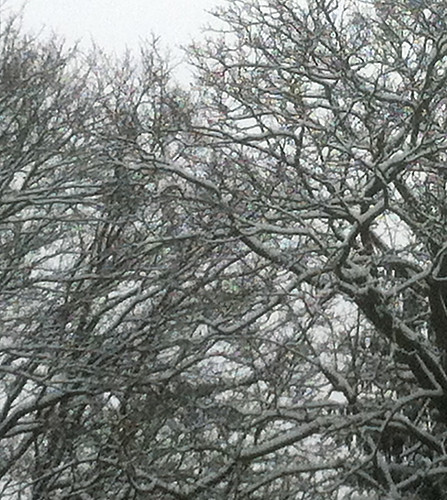
January Tree Tops
January Tree Tops by randubnick
January Tree Tops, a photo by randubnick on Flickr.
Here's another photo that I took earlier this week (January 16 when we had snow). I love the tracery of the trees, so I took some pictures. Tonight I cropped this image out of the original photo. I am wondering how it would look with a woodcut effect.

Thursday, January 17, 2013

Fabric Flowers and Vase (Day 6)
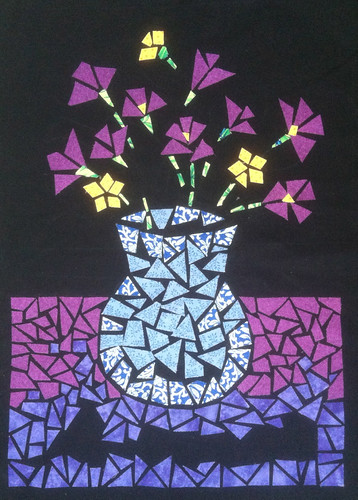
I took a break this afternoon to work on this project for a little while. This little still life is made of pieces of fabric, attached to the backing with iron-on adhesive. I started this project in a fabric arts class several years ago, but hadn't gotten around to finishing it. It seemed like a good project for January, with that nice warm iron. Today I continued to work on filling in the purple area at the bottom of the image.

Wednesday, January 16, 2013

Snow in the Morning
Snow in the Morning by randubnick
Snow in the Morning, a photo by randubnick on Flickr.
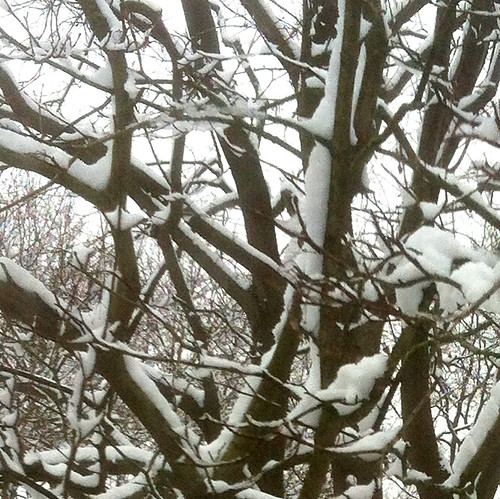
I was surprised to see snow this morning. I had been only vaguely aware of snow in the forecast, but maybe just an inch. But this morning, there were already several inches on the ground and it was still snowing. So then I checked the weather app on my phone, and saw that the temperature would soon be on the way up, above freezing. That meant less inconvenience from the weather, but it also meant that the snow wouldn't stay on the branches for long, so I took some photos with my iPhone. Tonight I edited this image in iPhoto and cropped it to get this composition.

Tuesday, January 15, 2013

Fabric Flowers and Vase (Day 5)
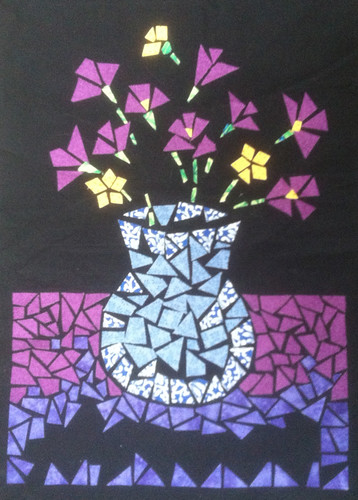
This afternoon, I worked on this project for a bit. I started this fabric collage or mosaic back in 2008 when I signed up for a fabric arts class at Red Brick Studio. We learned a lot of different processes, but this was one of my favorites. I originally put it aside because I needed more adhesive backing, and more material. But once I got the supplies, I just never made time to get back to this project. I came across it recently when I was straightening out my studio, so I have been working on it all week. The pieces of fabric are attached with iron-on adhesive backing, so it is really very easy. I have been working on the area near the bottom of the image (purple pieces). Today I decided to establish the borders, so that is what I worked on. I also added a few pieces of blue fabric to the vase.

Monday, January 14, 2013

Fabric Flowers and Vase (Day 4)
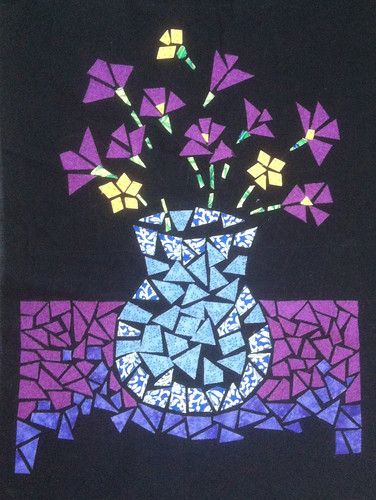
Today I took a break to work on this project for a while. This collage or mosaic still life is made of fabric. No sewing involved, just iron-on adhesive backing. Although this is "Day 4", I actually started this project during the summer of 2008 when I took a fabric arts class at Red Brick Studios. Today I continued to work on the purple area at the bottom part of the image.

Sunday, January 13, 2013

Patterns in Blue (Revised)
Patterns in Blue (Revised) by randubnick
Patterns in Blue (Revised), a photo by randubnick on Flickr.
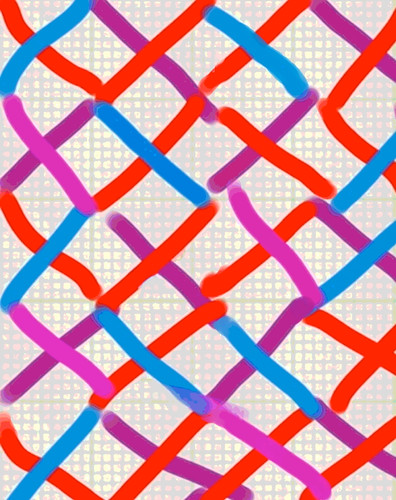
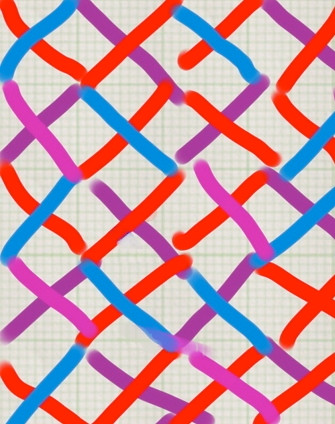
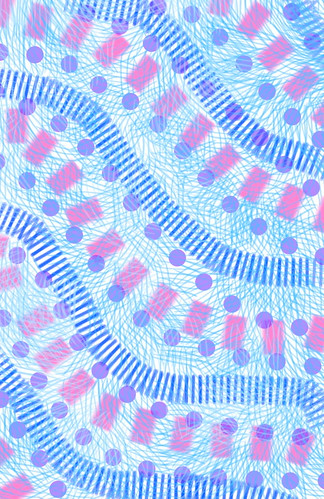
Yesterday I posted a little digital drawing that I made using the Brushes app on my iPhone. But I noticed that one of the textures wasn't applied evenly and it was bothering me, so I went back to the iPhone app and fixed it, so here it is again. It looks a lot better to me. I know perfectionism can be a trap in art, but in this case, I think the problem was worth fixing. I like this little image and might want to use it to make things on Zazzle.com

Saturday, January 12, 2013

Patterns in Blue
Patterns in Blue by randubnick
Patterns in Blue, a photo by randubnick on Flickr.
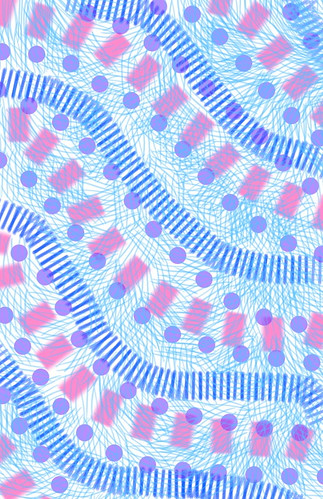
It was hard to find time to make art today, but tonight I made this image using the Brushes app on my iPhone.

Friday, January 11, 2013

Fabric Flowers and Vase (Day 3)
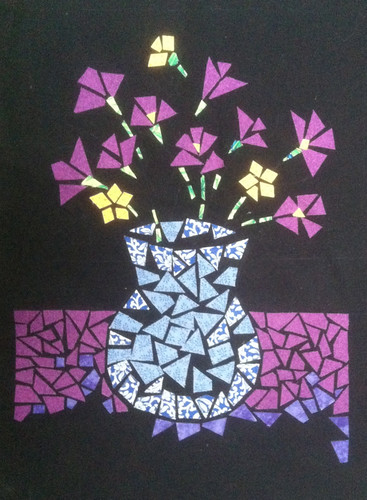
Today I went back to a project that I started back in the summer of 2008 while I was taking a fabric arts class at Red Brick Studios. I learned a lot of new techniques in the class, but this was one of my favorites, creating a collage or mosaic with cloth. (Day 1 was June 24, 2008 and Day 2 was July 5, but you can just search here for "Fabric flowers and Vase".) No sewing is required, just iron-on adhesive backing. I worked on this project once in class, and then did some more at home, but I ran out of fabric, ran out of adhesive backing, and ran out of steam. Since then, I bought more fabric and more special adhesive paper, but somehow never got around to it. Last week I was cleaning up my home studio and found the project and supplies in a bag. I decided it would make a nice project for January, when working over a hot iron is nice and cozy. Today I added the purple pieces toward the bottom of the image.

Six Hearts

Six Hearts by randubnick
Six Hearts, a photo by randubnick on Flickr.
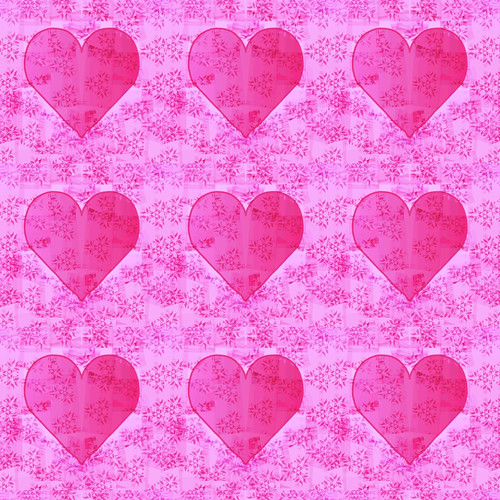
Last night I posted an image that I made by using Painter's "mirror mode" to draw a heart, and finished the image with a floral pattern (with the pattern pen) and some posterizing. This is last night's image made into a second pattern. I think I will use this on Zazzle.com because Valentine's Day is coming up.

Wednesday, January 09, 2013

Heart with Pattern
Heart with Pattern by randubnick
Heart with Pattern, a photo by randubnick on Flickr.
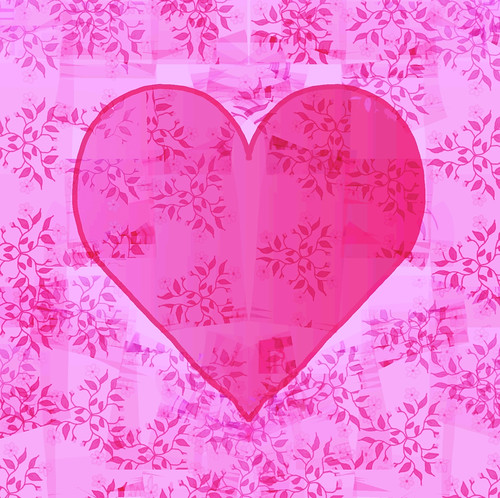
Tonight I decided to use mirror mode in Painter, so that whatever you draw on one side of the digital canvas is replicated on the other side (like kaleidoscope mode but with just two sections). I thought it might be a big help to draw hearts. I decided to try it because it will be February before you know it, and I have been thinking about making some Valentines for Zazzle. It took me lots of attempts to get a heart shape that I liked. Then I used Painter's pattern pen, and selected one of the patterns that I made (in kaleidoscope mode). After I had the strokes where I wanted them, I turned off "mirror mode" and did some posterizing and color overlays till I had the effect that I wanted. Then I cropped the image to get this composition. I also "captured" this image as a pattern, and will plan to post it here tomorrow.

Tuesday, January 08, 2013

Snow Scene Through Window Blinds (Digital Woodcut in Black and White)
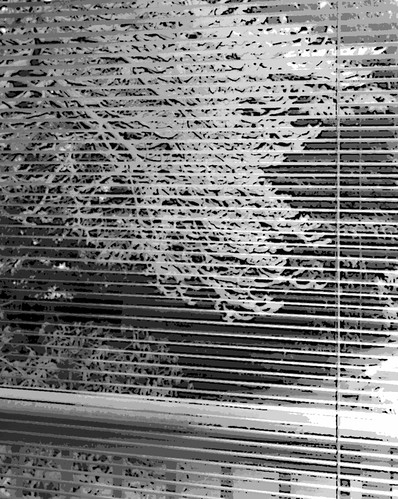
Two days ago, I posted my photo of a snow-covered dogwood tree seen through window blinds. I took the original photo on December 30, the day we (finally) had a respectable snow storm here in Beverly, MA. Yesterday I published a posterized version of the photo, created in Painter 12. Last night I also created a version with Painter's woodcut effect, which emphasized the tracery in the tree branches. The color was similar to the posterized version. I decided to transform the image into black and white, which seems to work well for this image.

Monday, January 07, 2013

Snow Scene Through Window Blinds (Posterized)

Tonight I used Painter 12 to create this posterized version of the photo I posted yesterday: a snow scene through venetian blinds. (I took the original photo on December 30, 2012, the date of the only real snow that we have had so far here in Beverly, MA.) Tonight I also tried a woodcut effect, and I plan to post that here tomorrow.

Sunday, January 06, 2013

Snow Scene Through Window Blinds
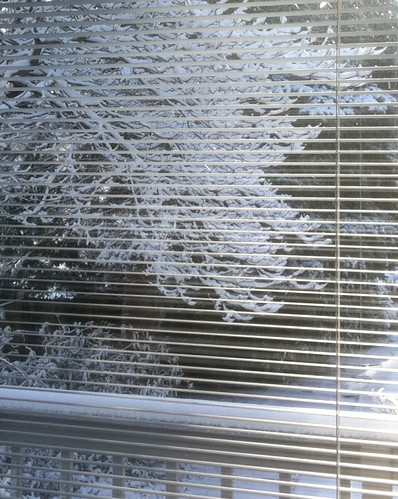
Here's another photo that I took on December 30, the day of our (so far) only real snow here north of Boston. The snow on the dogwood looked beautiful, and I liked the contrast with the window blinds, so I took a picture. Tonight I used iPhoto to crop this image out of the original photo.

Saturday, January 05, 2013

Snow and Tree Branches (Digital Woodcut)
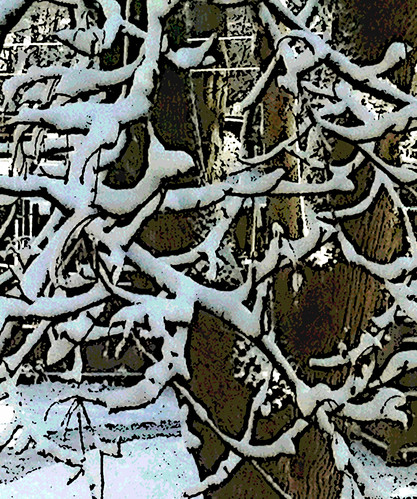
Here's one more version of "Snow and Tree Branches," the photo I posted two days ago. Last night I used Painter 12 to add a woodcut effect. It took some fiddling with the controls to get the black outline to land where I wanted it to go.

Friday, January 04, 2013

Snow and Tree Branches (Posterized)
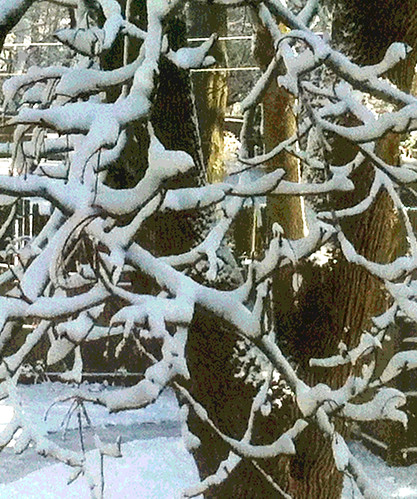
Tonight I used Painter to create this posterized version of the photo that I posted here last night. Because the image of snow and tree branches was the result of a pretty aggressive crop, the focus was soft. That plus the diffused light made it a good candidate for posterizing. I tried different levels of posterizing effect to get a result that I liked. I also created a version with a woodcut effect, and I plan to post that here tomorrow.

Thursday, January 03, 2013

Snow and Tree Branches
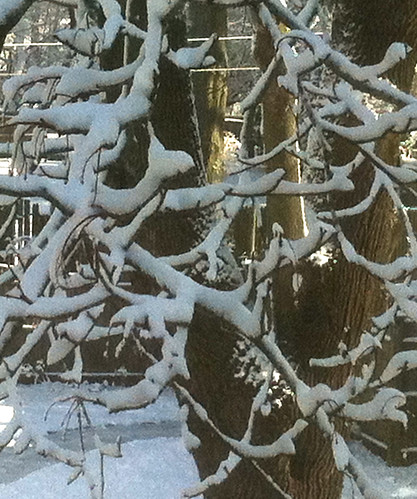
Snow and Tree Branches by randubnick
Snow and Tree Branches, a photo by randubnick on Flickr.
Tonight I cropped this image from another photo that I took last Sunday, December 30. This was the first "real" snow of the year. I noticed this view when I looked out a window on the second floor. I took a quick picture because snow doesn't stay on branches very long. It either melts or blows away. You can see the sun was starting to come out, although it was too cold to melt the snow. The focus is a little soft here due to the cropping. Tomorrow I may try posterizing the image to see what that does.

Wednesday, January 02, 2013

First Look First Snow
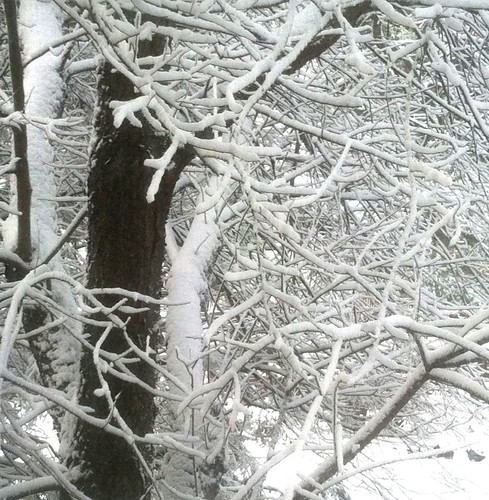
First Look First Snow by randubnick
First Look First Snow, a photo by randubnick on Flickr.
Here north of Boston, we haven't had much snow this year, just a dusting or two. But earlier in the week (December 30), we finally had some 3 to 5 inches. Although I am often inconvenienced by snow, I do love the way it looks, so I was excited when I looked out the window to see the tracery in this tree. I took some photos with my iPhone. I wanted to hurry before the snow was blown off the branches by wind. This was one of the best photos of the set. Tonight I used iPhoto to crop it to get this composition.

Tuesday, January 01, 2013

Happy New Year (2013)

Happy New Year (2013) by randubnick
Happy New Year (2013), a photo by randubnick on Flickr.
Here's a little image that I made last night just to wish everyone a happy 2013! I used the Brushes app on my iPad, and it captured a "stroke-by-stroke" video as I drew, which I posted here last night. It's not the ball dropping at Times Square, but if you want to see the video, here's the link: www.flickr.com/photos/randiart/8331330119/in/photostream

Monday, December 31, 2012

New Year


New Year a video by randubnick on Flickr.

Tonight I used the Brushes app on my iPad to create this little animation. Happy 2013! In case the video doesn't show up for you, here is the link http://www.flickr.com/photos/randiart/8331330119/in/photostream

Sunday, December 30, 2012

Colorado Drawings: Georgetown (Final Revised)
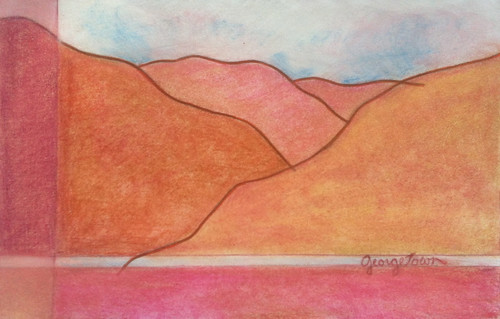
This is a revision of the drawing I posted here last night, called "Colorado Sketches: Georgetown (Final)". This is one of a series of drawings based on sketches I made during a trip to Colorado in the mid-1980s. This one is based on a sketch I made near Georgetown, Colorado, and I have made several attempts at it. Last night's version is the final attempt, but I did go back to it for some revision today. I am finally happy with the composition and basic color scheme, but this morning I adjusted the values in the panel on the left to make the shape of the mountain seem more continuous. I didn't change the rest of the colors, but the drawing looks different because I photographed it in morning light. This drawing is 5 x 8 inches (like the original sketch) and is done in pencil, colored pencil, colored conte crayon, and fine-line marker.

Saturday, December 29, 2012

Colorado Drawings: Georgetown (Final)
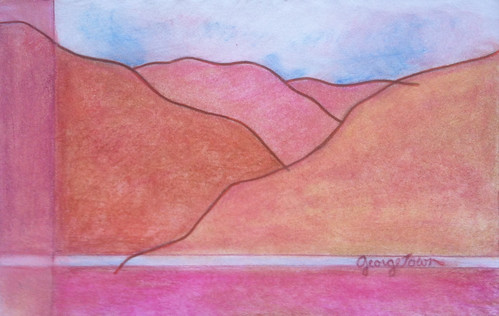
This is part of a series of small drawings I have been working on, based on quick pencil sketches that I made during a drive through the Colorado mountains, during a trip back home in the 1980s. From the passenger seat, I captured quick line drawings in a small (5 x 8 inch) travel sketchbook. Sometimes I wrote the location in the corner. This year I found the old sketchbook, and have been scanning and copying the drawings, and then tracing them into a new sketchbook (also 5 x 8 inches). Then I add color with mixed media. This is actually my third attempt at the Georgetown sketch. I posted the original on Nov. 10, and attempt #1 on Nov. 16 and attempt #2 on Nov. 23. I liked those earlier attempts, but I want to emphasize line over shape. So I tried again. This time, I used a narrower range of colors on the mountains, and I was happier with the result. So I think this is it for the Georgetown drawing. I have included "final" in the title because enough already; it is time to move on. But I still might make small revisions. This is colored pencil, colored conte crayon, and fine-line marker.

Friday, December 28, 2012

Big Kaleidoscope Blossom
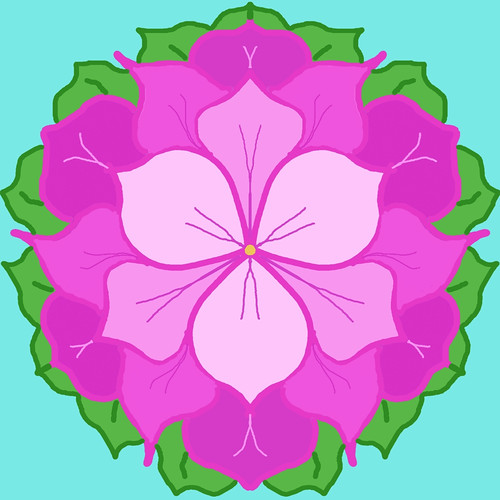
Big Kaleidoscope Blossom by randubnick
Big Kaleidoscope Blossom, a photo by randubnick on Flickr.
Tonight i did another digital drawing in Painter 12's kaleidoscope mode. (The drawing surface is divided into six sections and whatever you draw in one section is replicated in the others.) I used digital pastel, started with one petal, and just kept going. I used the paint bucket tool to fill areas with color, but the paint bucket tool isn't replicated in kaleidoscope mode and so each area has to be filled one at a time. When I had finished, I kept looking at the image, thinking that something was wrong because the petals didn't look symmetrical. Then I realized that the shapes were symmetrical but that I had made errors with the paint bucket, so I had to revise. Is my computer smarter than I am? Guess so.

Thursday, December 27, 2012

Many Kaleidoscopes
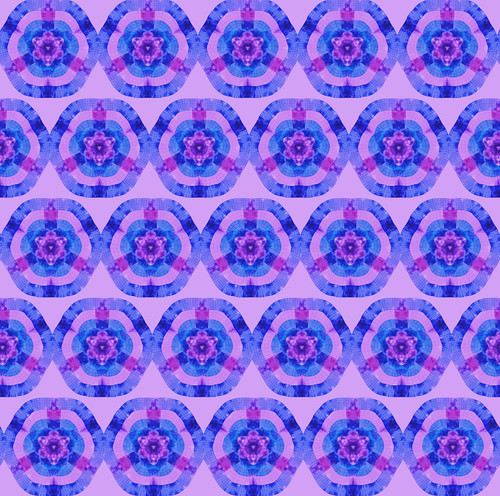
Many Kaleidoscopes by randubnick
Many Kaleidoscopes, a photo by randubnick on Flickr.
Yesterday I posted a digital image that I made using Painter 12's pattern pen and drawing in kaleidoscope mode. (The "digital canvas" is divided into 6 sections and whatever you draw in one section is replicated in the others.) I loaded the pattern pen with the Square Grid pattern that I created earlier this year from a photo that I took of a sidewalk grate. Tonight I used last night's image to create another pattern. I used a 52% offset because it worked well with the pink daisies kaleidoscope pattern that I posted here two days ago. It worked well this time, too. I don't know why it works, but I am glad that it does.

Wednesday, December 26, 2012

Kaleidoscope with Square Grid Pattern
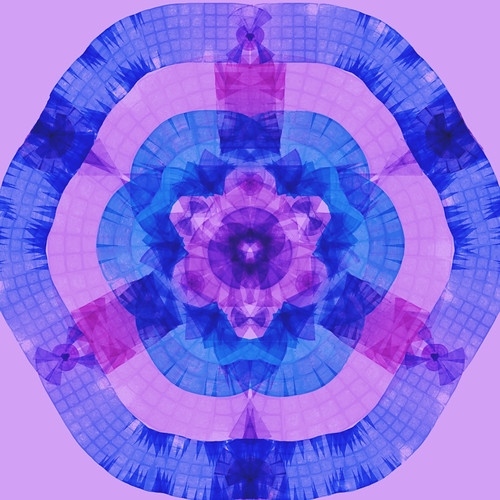
I am still playing around with Painter's kaleidoscope mode, figuring out what works and what doesn't. I have been wondering what would happen if I combined a pattern pen with kaleidoscope mode, so tonight I tried it. I tried several patterns and some didn't seem to work well, but then I tried this one and I like the result. (This pattern began with a photo that I took of a sidewalk grate with a grid pattern.) Depending on how you move the pattern pen, you can make circles or create a texture that suggests pleats or crinkling.

Tuesday, December 25, 2012

Many Pink Daisies (Kaleidoscope)
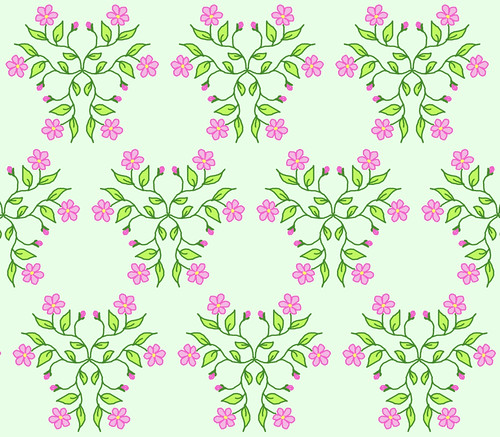
Tonight I went back to the Pink Daisies drawing that I made in Painter 12's kaleidoscope mode (posted here on December 21). I wanted to see what it would look like as a pattern. I tried several versions but discovered that if I used a 52% offset, everything lined up perfectly, producing some very nice triangles and circles. (I am writing that percentage down here so I won't lose track of it.) This wasn't math, though. I just fiddled around till things lined up, and then looked at the controls to see what the numbers were.

Monday, December 24, 2012

Many Snow Birds
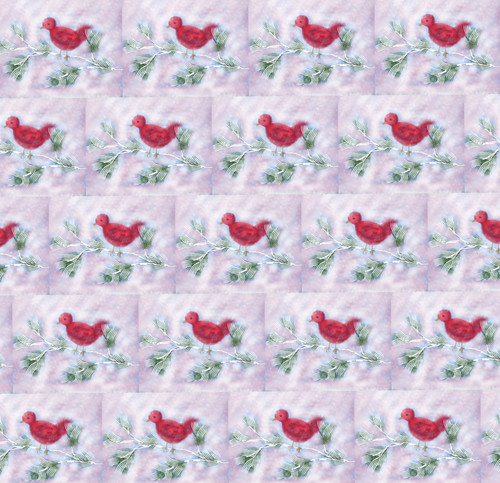
Many Snow Birds by randubnick
Many Snow Birds, a photo by randubnick on Flickr.
A couple of days ago, I used the Brushes app on my iPad to draw a little red bird in a snow storm. Day before yesterday, I posted the "stroke-by-stroke" video captured by the Brushes app as I drew, and yesterday I posted the drawing. Today I cropped the image and used Painter 12 to capture a pattern, and here it is. Well, if you add it up, that's a lot of little red birds, but I am sending them out to wish family and friends wonderful winter holidays.

Sunday, December 23, 2012

Snow Bird (Cropped)
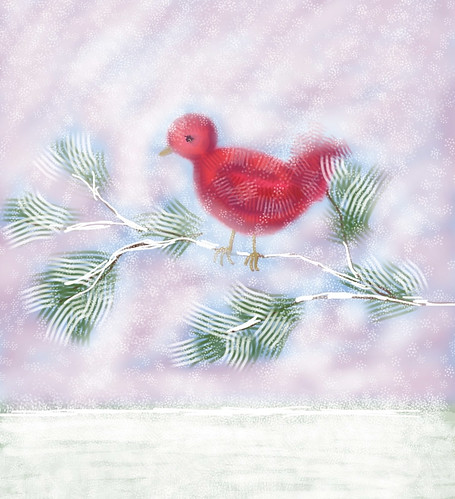
Snow Bird  (Cropped) by randubnick
Snow Bird (Cropped), a photo by randubnick on Flickr.
Yesterday I created this digital drawing of a little red bird in a snowstorm, using the Brushes app on my iPad. As you draw, the iPad version of the Brushes app creates a stroke-by-stroke video, which I posted here last night. Tonight I am posting the drawing itself. I cropped it a bit in iPhoto to get this composition. If you missed the video, you can see it here: www.flickr.com/photos/randiart/8299117128/in/photostream

Saturday, December 22, 2012

Snow Bird (Stroke-by-Stroke Video)

Today I had an idea for an animation of a little bird in a snowstorm, so this afternoon I got out my iPad and created this little drawing in Brushes on my iPad. When you use the Brushes app on the iPad, it captures a "stroke-by-stroke" video as you draw. So if you want to see it snow, just press play. I am going to use this to send season's greetings out to friends. Tomorrow I plan to post the drawing of this little snow bird.

Friday, December 21, 2012

Pink Daisies Kaleidoscope
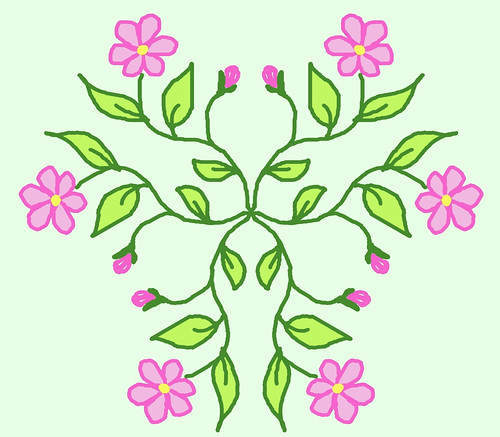
Pink Daisies Kaleidoscope by randubnick
Pink Daisies Kaleidoscope, a photo by randubnick on Flickr.
Here's another digital drawing that I created tonight with Painter 12's kaleidoscope tool. I can say that I am trying to figure out what works and what doesn't (which is true), but it is also addictive! So far I have discovered that the results aren't completely symmetrical, so the final image has to be cropped. I also figured out that although brush strokes appear in all six "kaleidoscope" panes, the paint brush tool doesn't work that way. In this design, I used the paint brush tool to fill outlined shapes with colors, and had to re-open the file to fix a leaf I had missed. But it is a lot of fun and I think I can use it to make patterns.

Thursday, December 20, 2012

Bright Kaleidoscope
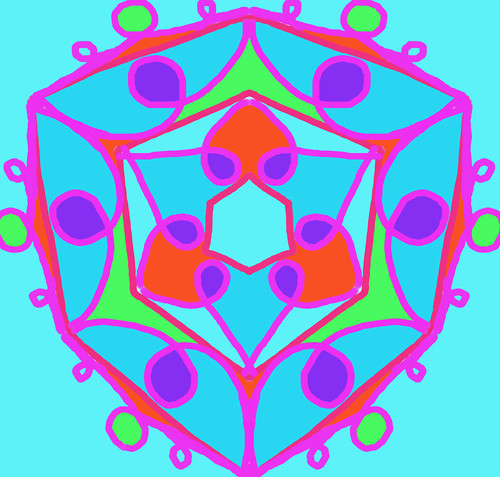
Bright Kaleidoscope by randubnick
Bright Kaleidoscope, a photo by randubnick on Flickr.
Last night I decided to try Painter 12's kaleidoscope mode again. (When you draw in kaleidoscope mode, the digital "canvas" is divided into six parts, and whatever you draw in one section is replicated in all the others.) My goal last night was to continue to explore and find out what works. I didn't realize that I was creating a Star of David (six pointed star) in the center. It just happened.

Wednesday, December 19, 2012

Many Purple Kaleidoscope Flowers
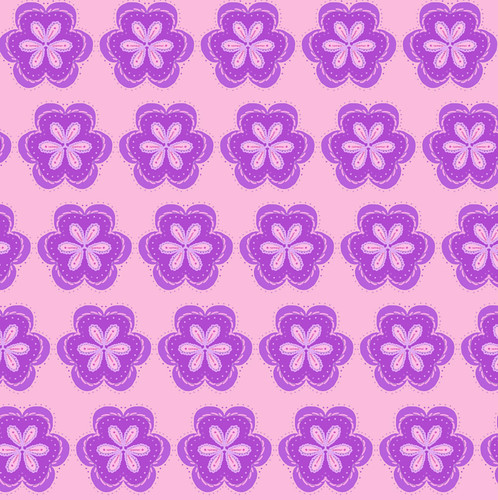
Yesterday I used Painter 12's kaleidoscope mode for the first time. (What took me so long, I wonder?) If you are in kaleidoscope mode, the "canvas" is divided into six sections, and whatever you draw in one section is replicated in all sections. So I experimented and created a purple flower. Tonight in Painter, I "captured" the purple kaleidoscope flower as a pattern, and then used the pattern in this image.

Tuesday, December 18, 2012

My First Kaleidoscope
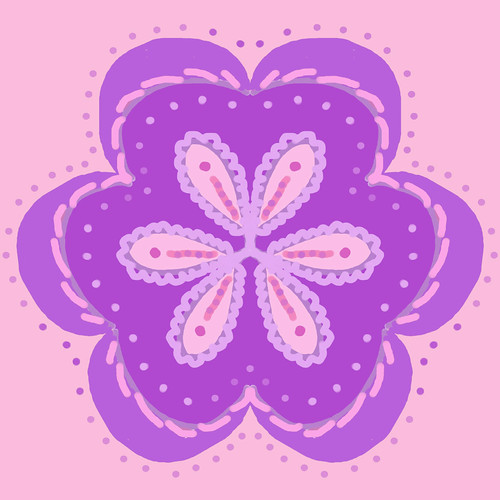
My First Kaleidoscope by randubnick
My First Kaleidoscope, a photo by randubnick on Flickr.
Tonight I was going to make a digital drawing in Painter and was thinking about using the golden proportions grid, but happened on the kaleidoscope grid instead and decide to try it out. Well, it is amazing! It isn't just a grid; it is a tool. It divides the digital "canvas" into six sections and whatever you draw in one section is mirrored in all six -- just like the kaleidoscope we all had as kids. So I started drawing, experimenting to see what works and what doesn't. This little digital drawing is the result. Warning: drawing in kaleidoscope mode is addictive.

Monday, December 17, 2012

Necklace with Wooden Beads on Knotted Pink Cord
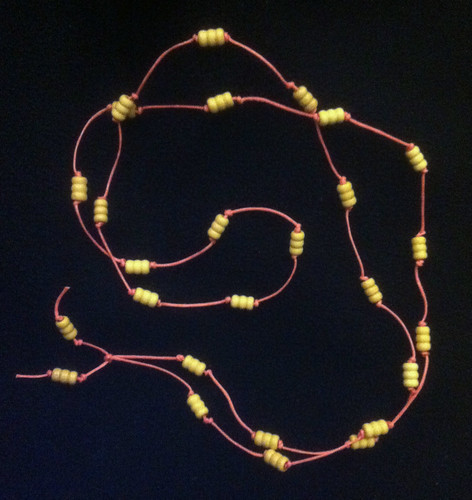
I made this necklace tonight, turned beads made of light wood on a knotted pink cotton cord. I thought I could do this quickly, but I was wrong.

Sunday, December 16, 2012

Necklace with Wooden Beads on Knotted Blue Cord
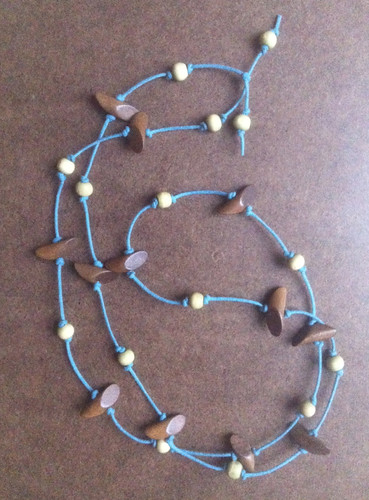
This is a necklace I made this afternoon. I put pale green wooden spheres and brown wooden truncated cylinders on a knotted cotton cord.

Saturday, December 15, 2012

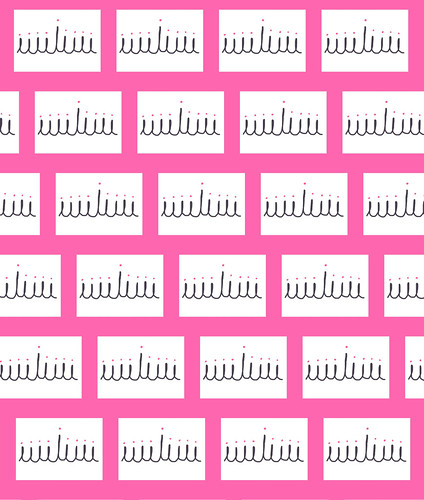
Many Simple Menorahs
Many Simple Menorahs by randubnick
Many Simple Menorahs, a photo by randubnick on Flickr.
Yesterday I posted a simple drawing of a menorah. I used the Brushes app on my iPhone to create the menorah with one continuous line, then added nine pink dots to represent candle flames. Tonight I opened the image in Painter, added a border, and then created this pattern.

Friday, December 14, 2012

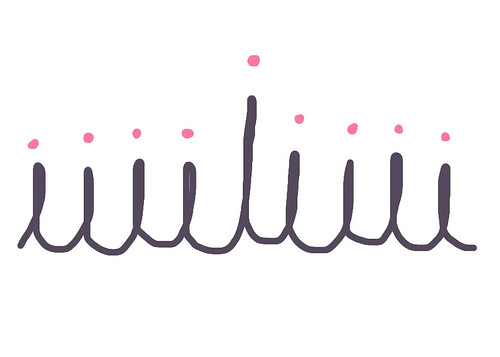
Simple Menorah
Simple Menorah by randubnick
Simple Menorah, a photo by randubnick on Flickr.
Tonight I drew this simple menorah on my iPhone, with the Brushes app. The menorah is just one line, the kind of line children draw when they are learning to write cursive. It looks easy but it me took several tries to get it right. And dots to suggest Chanukah candles. In memory of the little kids and their teachers whose lives ended today in Connecticut.

Thursday, December 13, 2012

Digital Dreidel (All Cleaned Up)

A couple of days ago, I posted my digital sketch of a dreidel, created on my iPhone with the Brushes app. Yesterday I opened the image and cleaned it up, and then used it to make a pattern. I posted the pattern here yesterday, so tonight I am posting the dreidel drawing, all cleaned up.

Wednesday, December 12, 2012

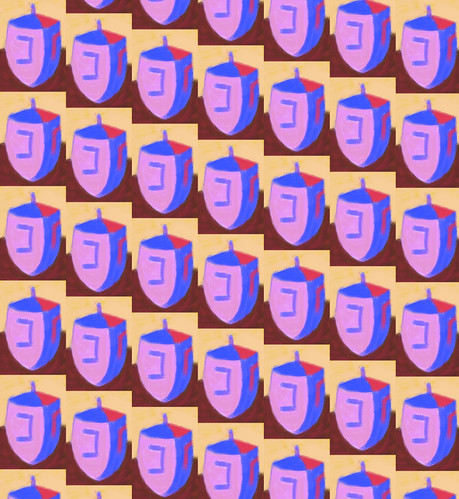
Many Digital Dreidels
Many Digital Dreidels by randubnick
Many Digital Dreidels, a photo by randubnick on Flickr.
Yesterday's post was a little digital dreidel that I created on my iPhone with the Brushes App. Tonight I opened the image in Painter and cleaned it up a bit. Then I "captured" it as a pattern and used the Paint Bucket tool to fill this image with it. You can set the pattern for rectangular tiles, or to be offset horizontally or vertically. This version is vertical and I like it best because it creates diagonal lines.

Tuesday, December 11, 2012

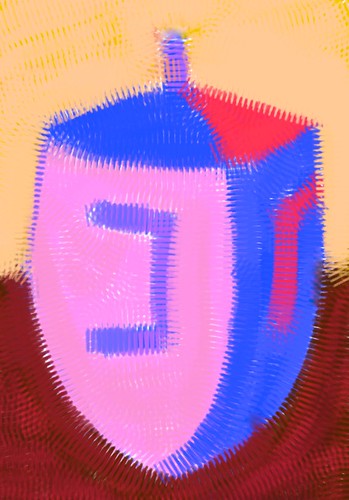
Digital Dreidel
Digital Dreidel by randubnick
Digital Dreidel, a photo by randubnick on Flickr.
Tonight I used the Brushes app on my iPhone to create this little digital sketch of a dreidel (A dreidel is a top used to play games on Chanukah.) Of course it took longer than I thought it would to make this little drawing. Then I imported the image and cropped in iPhoto.

Monday, December 10, 2012

Many Quick Menorahs
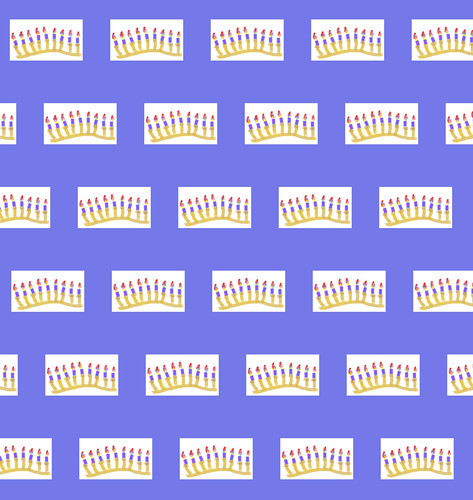
Many Quick Menorahs by randubnick
Many Quick Menorahs, a photo by randubnick on Flickr.
Tonight I used Painter 12 to "capture" a pattern, using the image I posted here yesterday. (That image was my digital drawing of a menorah with a blue border. I drew the menorah using the Brushes app on my iPhone, then used Painter 12 to add the border.) All of my Chanukah patterns have disappeared from my pattern library in Painter 12, which seems to happen any time I upgrade my software. That isn't a big problem because it is easy to recreate the patterns as long as I have the original images stored in iPhoto, and you bet I do. But it is always more fun to make something new, and besides, I was curious to see how this image would look as a pattern. I like the result. Maybe I can use this to wrapping packages (small ones), or maybe this will end up as a tie on Zazzle.

Sunday, December 09, 2012

Quick Menorah with Border
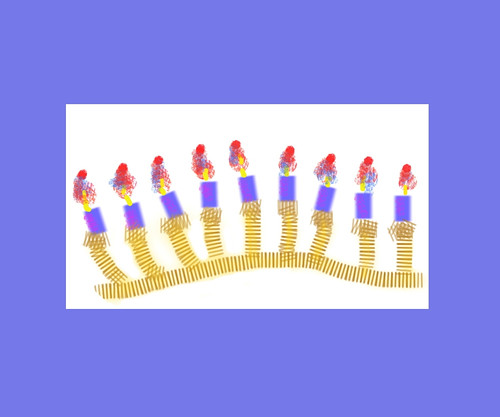
Quick Menorah with Border by randubnick
Quick Menorah with Border, a photo by randubnick on Flickr.
Here's the little digital menorah that I posted last night (created on my iPhone with Brushes), but this time with a border. I used Painter to add the border last night to compensate for the unusual format.

Saturday, December 08, 2012

Quick Menorah
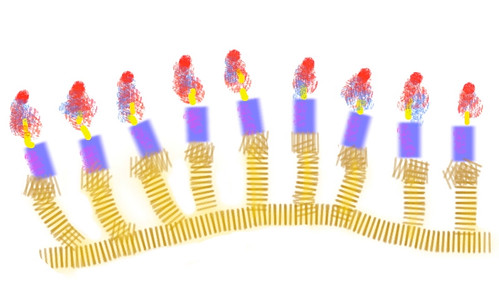
Quick Menorah by randubnick
Quick Menorah, a photo by randubnick on Flickr.
Hanukah can sneak up on a person, especially when it comes so early in December. (Wasn't it just Thanksgiving five minutes ago?) Well, it certainly snuck up on me! Tonight I decided to make a very quick little digital drawing of a menorah, using the Brushes app on my iPhone -- finished just in time to say Happy Hanukah!

Friday, December 07, 2012

Swirls (Digital Woodcut)
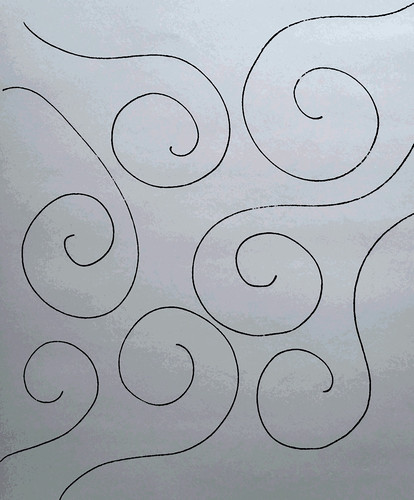
Swirls (Digital Woodcut) by randubnick
Swirls (Digital Woodcut), a photo by randubnick on Flickr.
I was in the studio last night for First Thursdays (which means studios are open for visitors). I felt like drawing but it needed to be simple and fast because every so often people were stopping by to look and to talk. So I just took out a pen and a sketchpad and started making swirls. It was quick and very relaxing, just letting the motion take me. I did six or seven versions of this idea, trying to find an arrangement that I liked. This one is the best of the bunch. Tonight I used Painter to create a digital woodcut of the design to try to get the lines to show up.

Thursday, December 06, 2012

The Other Side of the Sunset (Digitally Modified and Posterized Photo)
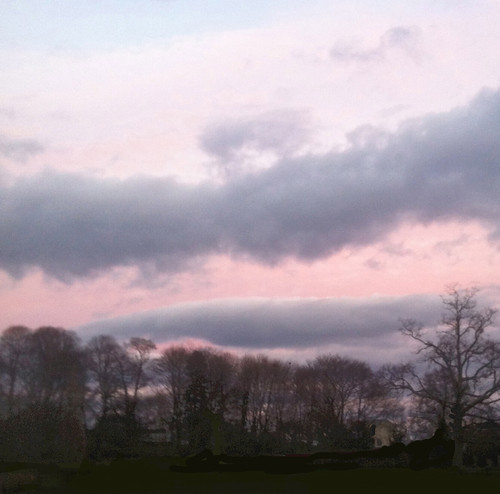
Last night's post was a photo of the sunset, seen from Lynch Park, here in Beverly, MA. It was a great sunset! But the sky was beautiful in the other direction too, not the setting sun itself, but reflected light in the sky. So I took some pictures of that, too. But when I got some of those photos into my computer, I noticed that along with these beautiful clouds I had captured a lamppost and a volleyball net, a picnic table, and three innocent bystanders. Much of this wasn't noticeable until I tried to lighten the shadows, and then it was dead obvious. So I opened the image in Painter and used some cut and paste and digital pastel to clear the scene of all that. Then I did some selective posterizing, and cropped it in iPhoto to get this composition.

Wednesday, December 05, 2012

Sunset from Lynch Park

Sunset from Lynch Park by randubnick
Sunset from Lynch Park, a photo by randubnick on Flickr.
Late afternoon errands put us close to Lynch Park around 4:30, so we decided to stop at the park to see the sunset. It was a good idea. This is one of the photos I took today. This is the view from the cove, looking south and slightly west, looking back at Beverly and Salem, further south. Tonight I used iPhoto to adjust the shadows a bit and then cropped the original photo to get this composition.

Tuesday, December 04, 2012

X and Grid Pattern

X and Grid Pattern by randubnick
X and Grid Pattern, a photo by randubnick on Flickr.
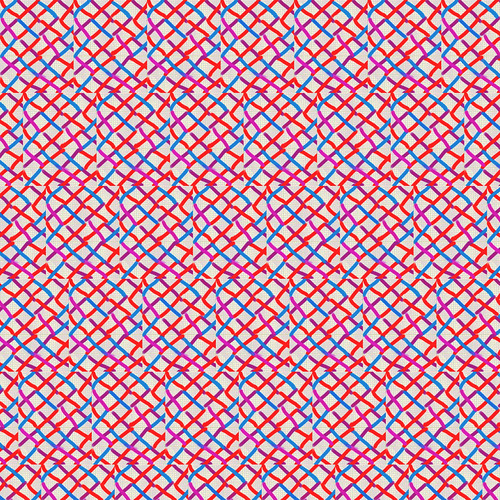
Last night I published an image of my X on grid pattern, digitally revised and posterized using Painter 12. While I was in Painter, I used the "capture pattern" control to make a repeated pattern with the image. Then I used the paint bucket tool to fill a new image with it. I kind of like the look of it, and may use it for something on Zazzle.

Monday, December 03, 2012

Grid with X-Pattern (Revised and Posterized)

Tonight I went back to the little digital image I posted yesterday, an x-pattern drawn over simulated grid paper, created in my new iPhone app called "Papers". I was curious about what the grid paper would look like posterized. I liked it so much that I decided to clean up the drawing and use it. So I neatened up some of the strokes with digital pastel and here it is. I also captured the whole image to use as a digital pattern, and I plan to post that here tomorrow.

Sunday, December 02, 2012

Grid with X-Pattern

Grid with X-Pattern by randubnick
Grid with X-Pattern, a photo by randubnick on Flickr.
This has been a crazy weekend but tonight I took a few minutes to experiment with a iPhone app that I downloaded a few weeks ago. The app is called "Papers" and it is basically a tool form creating handwritten notes and basic diagrams and sketches that can be e-mailed. Its much more basic that Brushes, my favorite drawing app on iPhone. But what Papers has that is unique is the chance to choose backgrounds that simulate different kinds of paper. One of the choices is graph paper (which I love) so tonight I tried out the app by making this little digital pattern. I had to do a little digital cleanup in Painter and then cropped it in iPhoto. I like the playful strokes of color against the precision of the graph paper.

Saturday, December 01, 2012

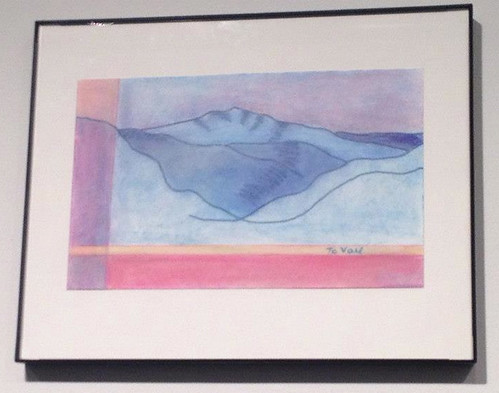
To Vail (Small Works Show, Porter Mill Gallery)

I spent the day at Porter Mill because it was open studios today. At 4 PM, I went downstairs to the gallery for a reception for the "Small Works Show" because two of my little Colorado drawings are on display. My own cell phone battery died just as I was trying to take some pictures, so this photo is courtesy of my daughter.